VEX scouting · iOS app
Scoutly
I built Scoutly for VEX teams. It brings event schedules, results, team research, match prep, rules, and a field whiteboard to iPhone and iPad.
- My role
- Product · design · iOS
- Platform
- iPhone and iPad
- Started
- May 2025
- Status
- Live on the App Store
App Store reviews
The next calculator changes are planned for 2.3.
The App Store listing still shows version 2.2.2. An Aug 7 review reported losing calculator entries when leaving the screen. The Aug 14 reply says saved entries, a reset button, and a field view are planned for 2.3; the listing does not show 2.3 yet.
- Current version · 2.2.2 Listed Aug 8 · checked October 2, 2026
- Aug 7 review · calculator Asked for entries to stay when leaving the screen
- Developer reply · Aug 14 Changes were planned for 2.3 · not listed yet
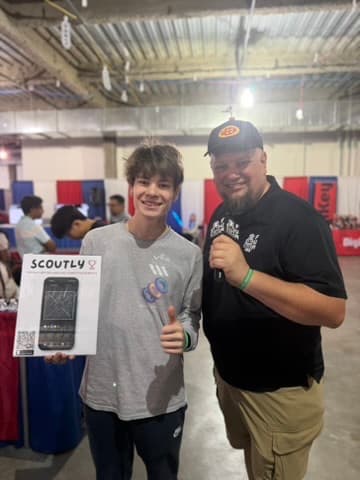
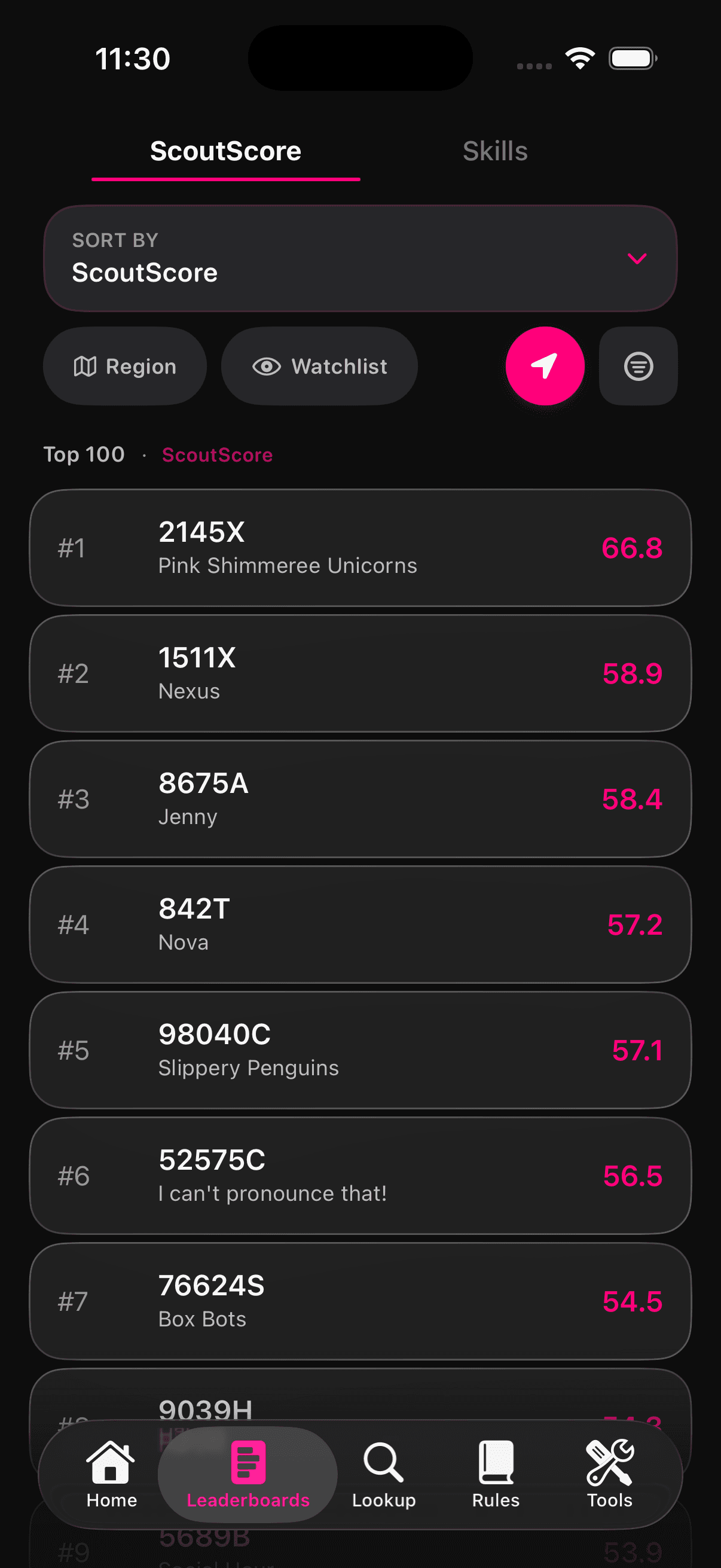
Product in use
Two event-day screens.
ScoutScore compares teams. The whiteboard is for sketching a match plan on a field layout.
Where I started
I started with the pages we checked between matches.
I started with the pages I kept checking between matches: schedules, rankings, notes, and rules. Later I added Match Prep, a calculator, and a field whiteboard.
One App Store review asked Scoutly to keep calculator entries when someone switches screens. The developer reply says that change is planned for 2.3; the latest listing still shows 2.2.2.
What I built
I combined event pages and match prep.
Before a match, I was switching between event pages, notes, and screenshots to find the schedule, team information, and our plan.
Find the next match
Open the event, then check the teams.
Search teams and events, follow a team’s next matches, or open results, skills scores, brackets, and agendas. The home screen keeps a selected team, event, and watchlist together.
Version 2.2.2
Practice matches stay out of competition stats.
I changed the calculations so practice matches still appear in schedules but do not affect records, win rates, rankings, predictions, ScoutScore inputs, or other competitive calculations.
Slow event data
Scoutly marks data that may be out of date.
Event data can load slowly or be unavailable. Scoutly keeps cached information where possible, marks stale or missing data, and lets people try again.
Choices I made
Put the next match first.
Put the next match on the home screen.
The home screen shows the selected team, event, and watchlist.
Let teams check a ranking.
ScoutScore links to the team and event information used to review a ranking.
Keep planning tools beside team information.
The official rules, calculator, and field whiteboard are available alongside schedules and team research.